Neutralize battery acid on car parts with a baking-soda-and-water mix, then rinse, dry, and replace any part that is pitted, swollen, or keeps corroding. Left alone, residue creeps into cables, trays, and hardware, and a small leak can turn into a no-start or wiring repair. I clean this sort of mess the same way every time: stop the leak path, wash the crust off, and replace anything the acid has already eaten.
What you’ll need
- Gloves, preferably rubber or nitrile
- Safety glasses or acid-resistant goggles
- Baking soda
- Distilled water or clean water
- Small plastic container for mixing
- Wire brush
- Nylon brush or toothbrush
- Clean rags or paper towels
- Dielectric grease or a corrosion preventative
- Memory saver, if radio and module settings matter
Safety gear and setup
Put on gloves and eye protection before touching any residue on the battery area. Work in open air, keep sparks and flames away, and lift the hood first so fumes do not hang around the battery while you clean.
Cleaning and scrubbing supplies
Baking soda mixed with water is the neutralizer for dried acid and corrosion. Use distilled water or clean water for the mix and for wiping away residue. Keep the liquid away from the battery case, vent caps, and vent openings.
Protection products for reassembly
Dielectric grease or a corrosion preventative belongs on clean, dry metal after reassembly. A memory saver is recommended before disconnecting if you want to keep settings and avoid resets.
How do you clean battery acid off car parts safely?
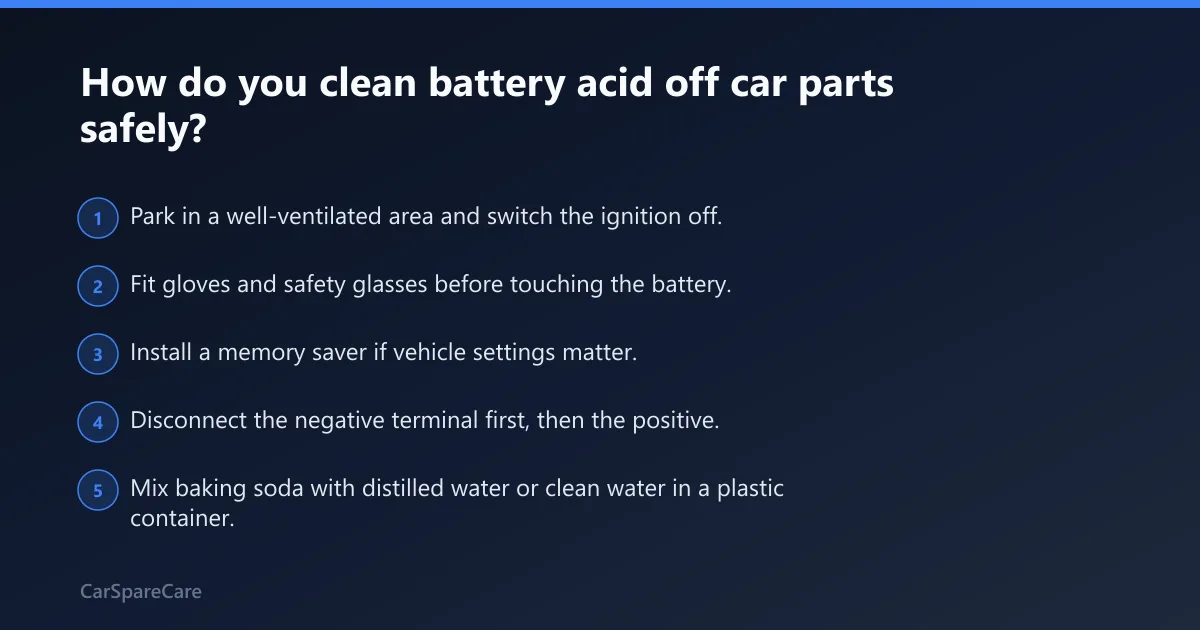
Disconnect the battery first, neutralize dried residue with a baking-soda-and-water mix, scrub the affected parts, then rinse, dry, and reconnect in the correct order. Clean the battery terminals, clamps, cable ends, tray, hold-down, and nearby hardware. Do not pour cleaner into the battery case or vents.
- Park in a well-ventilated area and switch the ignition off.
- Fit gloves and safety glasses before touching the battery.
- Install a memory saver if vehicle settings matter.
- Disconnect the negative terminal first, then the positive.
- Mix baking soda with distilled water or clean water in a plastic container.
- Apply the mix to dried residue until it fizzes on contact.
- Scrub terminals, clamps, and metal with a wire brush; use a nylon brush or toothbrush for delicate spots.
- Wipe with a damp rag, then dry every surface completely.
- Reconnect the red positive terminal first, then the negative.
Disconnect the battery and make the area safe
Battery terminals must be disconnected before cleaning. That keeps the brush from shorting across posts and gives you access to cable ends, fasteners, and the tray. If the battery case is cracked, swollen, or leaking, stop and replace the battery instead of cleaning around it.
Neutralize dried residue with baking soda and water
Use baking soda mixed with water on white, green, or blue buildup. The mix may fizz where acid remains. That reaction is useful on dried residue, but it is not a fix for a live leak. Keep the slurry out of vent caps, battery vents, and inside the case.
Scrub terminals, clamps, and affected metal
Use a wire brush on posts and terminal clamps. Use a nylon brush or toothbrush on cable jackets, fastener heads, and tray corners where a stiffer brush could damage insulation or plating. Remove loose crust, then repeat the neutralizer if fizzing returns.
Rinse residue, dry everything, and reconnect
Wipe away the remaining slurry with a damp cloth or clean water on a rag, not by flooding the area. Dry the parts fully before reconnecting. Reconnect the red positive terminal first, then the negative, and check that each clamp sits tight on clean metal.
How do you inspect parts after cleanup?
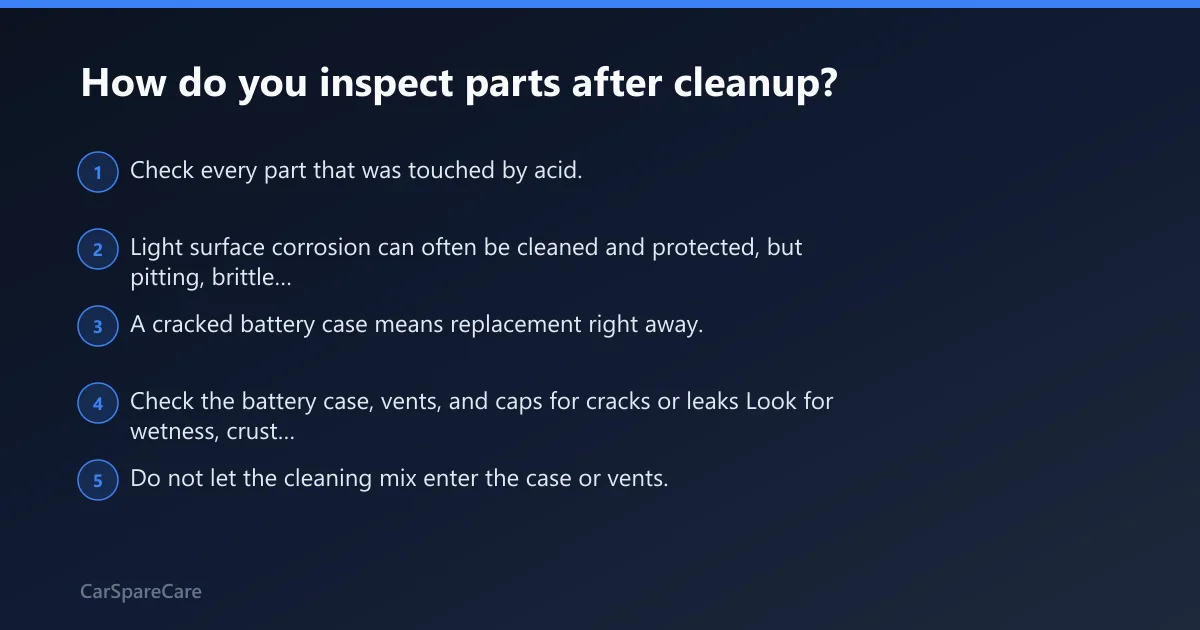
Check every part that was touched by acid. Light surface corrosion can often be cleaned and protected, but pitting, brittle insulation, swollen plastic, or green strands inside a cable mean the damage is beyond cleanup. A cracked battery case means replacement right away.
Check the battery case, vents, and caps for cracks or leaks
Look for wetness, crust around seams, distorted plastic, and staining near the vent caps. Do not let the cleaning mix enter the case or vents. If the case is cracked, leaking, or swollen, replace the battery and inspect the tray and cables for follow-on damage.
Inspect the tray, hold-down, fasteners, and brackets for pitting
Tray metal that only has light staining can usually be cleaned. Deep pitting, flaking, soft metal, or holes usually mean the part has lost strength. Hold-down hardware and fasteners need the same test; if a wrench bites into crumbly rust or the threads are badly eaten, replace them.
Look at cable ends and nearby wiring insulation for acid damage
Check the cable strands where they enter the lug. Green crust inside the strands, stiff insulation, or a swollen cable end means acid has moved beyond the surface. Nearby wiring that is cracked, sticky, or blistered should be replaced, not coated and reused.
Which parts can be cleaned, protected, or replaced?
Use the table below as a one-page decision guide. Clean light residue, clean-and-protect sound metal that has only surface buildup, and replace any part with pitting, swelling, cracked insulation, or recurring corrosion. Acid-damaged electrical parts fail later if they are only polished on the outside.
| Part | Clean | Clean and protect | Replace |
|---|---|---|---|
| Battery tray | Light residue, no pitting | Sound metal with staining only | Deep pitting, soft metal, holes |
| Hold-down | Surface crust, threads intact | Minor discoloration after cleanup | Bent, rusty-through, or weakened hardware |
| Terminals | Dry crust that brushes off | Clean metal with no pits or cracks | Cracked, split, or heavily eroded posts |
| Clamps | Light corrosion on outer faces | Good clamp shape and grip after cleaning | Spreading, cracked, or stripped clamp |
| Cable ends | Surface buildup on the lug | Clean strands with no internal green crust | Green strands, stiff insulation, heat damage |
| Fasteners | Rust film or light crust | Threads still strong and cleanable | Pitted, seized, or flaking fasteners |
| Nearby wiring | Dry residue on the jacket | Outer jacket intact after wipe-down | Cracked, swollen, or brittle insulation |
What clean-and-protect means in practice
Clean-and-protect usually means the part still seems structurally sound after cleaning. The metal should be smooth enough to hold a clamp, and the cable jacket should flex normally. After drying, apply a thin layer of dielectric grease or a corrosion preventative to slow future buildup.
Signs a part is too damaged to keep
Replace any part that has deep pits, metal loss, cracked plastic, swollen insulation, or acid inside the cable strands. If corrosion keeps returning in the same spot, the part is usually damaged internally or the battery is still leaking or venting too much.
How do you stop corrosion from coming back?
Dry everything fully, then apply dielectric grease or another corrosion preventative to the clean terminals and clamps. Check the battery again from time to time. If corrosion returns quickly, check charging voltage, venting, and whether the battery case may be leaking or overfilling the compartment.
Apply dielectric grease or a corrosion preventative
Put the coating on clean, dry contact surfaces after assembly, not on dirty residue. A thin film is enough. Heavy coating on the actual contact face can make the clamp grip poorly, so keep the layer light and even.
Check charging system and venting issues if corrosion returns quickly
Rapid repeat corrosion can point to overcharging, venting problems, or a battery that leaks acid under load. It can also leave the car with starting or charging symptoms after cleanup if cables or hardware were already damaged. If the problem comes back fast, inspect the charging system and battery fitment.
Keep the battery secure and dry
A loose battery can shake acid into the tray and onto nearby hardware. Keep the hold-down tight, wipe off spills quickly, and clean the area before buildup hardens. Corrosion checked and cleaned every six months is a practical interval for most vehicles.
Common mistakes
Most failures come from over-wetting the battery area, using the wrong brush, or reassembling before the parts are dry. Cracked cases, swollen batteries, and acid-soaked wiring also get missed because the cleanup looks finished on the outside.
- Do not pour the baking soda mix into the battery, vent caps, or vents.
- Do not scrub delicate cable ends or insulation with a harsh metal tool.
- Do not skip gloves, safety glasses, or ventilation.
- Do not reuse cracked cases, swollen batteries, or badly pitted hardware.
- Do not reconnect until all parts are dry and the contact faces are clean.
If that didn’t work, try this next
If corrosion returns after a proper cleanup, replace the damaged part first, then inspect the battery’s charging behavior and venting path. If the battery case is cracked or leaking, stop cleaning and install a new battery. If the wiring insulation is damaged, repair or replace the affected cable before the car goes back into service.
Frequently asked questions
What should I use to neutralize battery acid on metal?
Baking soda mixed with distilled water or clean water is the standard neutralizer for dried acid on metal. Apply it to the affected area, let it fizz, then wipe away the residue. Keep the mix out of the battery case and vent openings.
Can I use baking soda on battery acid?
Yes. Baking soda is used with water to neutralize dried battery acid and corrosion on external parts. Use it on the tray, clamps, terminals, and fasteners. Do not pour it into the battery, and do not use it as a substitute for replacing damaged parts.
Is battery acid the same as battery corrosion?
No. Battery acid is the leaked or vented acidic fluid, while corrosion is the crust or residue left after acid reacts with metal. White, green, or blue buildup may be corrosion, but it can also hide deeper damage in clamps, cables, or the tray.
Should I disconnect the car battery before cleaning corrosion?
Yes. Disconnect the battery before cleaning the terminals and cable ends. That reduces the chance of shorting across the posts while you scrub. If memory settings matter, connect a memory saver first, then remove the negative terminal before the positive.
What should I do if the battery case is cracked or leaking?
Replace the battery right away and clean the spill only after the battery is out of the way. A cracked case means the leak can continue, and cleaning alone will not stop it. After replacement, inspect the tray, cables, and nearby wiring for acid damage.

Hi, I’m Melvin, an automobile engineer with extensive experience in automobile equipment. I currently work for a local automobile firm, where I specialize in the car parts industry. I’ve had the opportunity to collaborate with seasoned inspectors, gaining invaluable hands-on experience that goes beyond just theory.
My passion for automotive care started at a young age, which led me to create CarSpareCare. Through CarSpareCare, I share the knowledge and skills I’ve acquired over the years to help others navigate the world of car maintenance and repairs.
My goal is to provide practical tutorials, essential safety advice, and the latest industry insights so that anyone—whether a beginner or an expert—can confidently tackle their automotive projects.