Disconnect the negative terminal first, then the positive. Remove a 12-volt battery only if the hold-down, case, and terminals are intact; if corrosion has reached wiring or the battery is swollen, stop and get service. A wrong sequence can short the battery, damage control modules, or leave you with a no-start and costly electronic faults. This guide shows the safe removal and reinstall steps, the tool list, and the checks that tell you when DIY is reasonable and when a shop is the better call.
What you’ll need
- Gloves and safety glasses to protect against grime, acid residue, and sparks.
- Wrench or socket set for terminal nuts and the hold-down hardware. Common sizes include 10 mm, 7 mm, 8 mm, and 13 mm.
- Owner’s manual to confirm battery location, battery group size, and any vehicle-specific steps.
- Memory saver if your vehicle loses presets or needs a controlled power-off. It usually connects to the OBDII port.
- Battery terminal brush or non-metal cleaning tool for light corrosion on the clamp faces.
- Battery carrier strap or both hands under the case if the battery is heavy or awkward to lift.
Battery checklist table
| Step | Exact check | Pass/fail sign | Stop-work condition |
|---|---|---|---|
| Preflight | Ignition off, key removed, lights off, and doors secured as needed for access | Dash stays dark and no accessory powers up | Any module stays awake, fan runs, or the car asks for a special shutdown procedure |
| Preflight | Battery case is flat, dry, and uncracked | No bulge, leak, wet spot, or white crust on the case seam | Swelling, cracking, or electrolyte leakage |
| Preflight | Terminal clamps and cable ends are not fused together by corrosion | Nuts turn with normal hand force using the correct tool | Hardware rounds off, seizes, or the clamp twists the cable |
| Preflight | Hold-down bracket is visible and accessible | You can reach the fastener without prying on the battery case | Bracket is hidden, rusted solid, or blocked by other parts |
| Post-install | Battery sits squarely in the tray and the hold-down is snug | No rocking or side-to-side movement | Battery shifts when you press it by hand |
| Post-install | Positive terminal is installed first, then negative terminal | Clamps sit fully on the posts and nuts are secure | Clamp sits crooked, loose, or can rotate on the post |
| Post-install | Engine start and accessory check | Starter cranks normally; radio, clock, and warning lamps behave as expected | Clicking, no-start, fresh warning lights, or a burning smell |
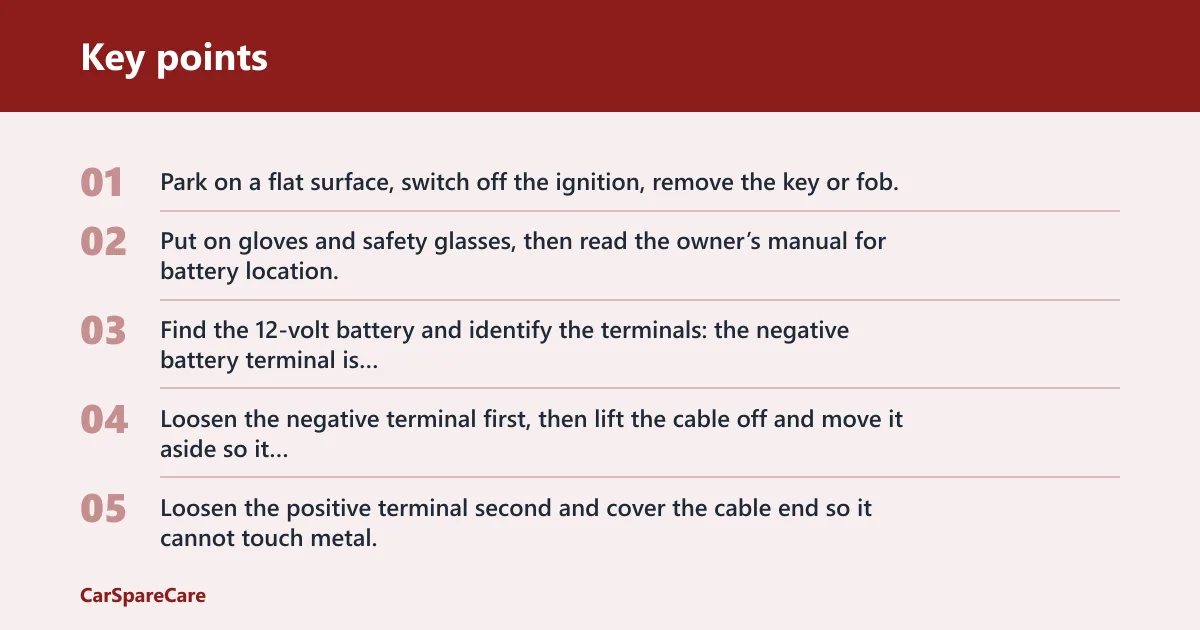
- Park on a flat surface, switch off the ignition, remove the key or fob, and open only the hood, trunk, or service panel far enough to reach the battery.
- Put on gloves and safety glasses, then read the owner’s manual for battery location, group size, and any special shutdown step.
- Find the 12-volt battery and identify the terminals: the negative battery terminal is marked with a minus sign (-) and is usually black; the positive battery terminal is marked with a plus sign (+) and is usually red.
- Loosen the negative terminal first, then lift the cable off and move it aside so it cannot spring back.
- Loosen the positive terminal second and cover the cable end so it cannot touch metal.
- Remove the battery hold-down bracket before lifting anything, because the battery can weigh upwards of 40 pounds and should not be forced out against a retainer.
- Lift the battery straight up, keeping it level, and set it on a stable surface away from tools and loose hardware.
- Set the replacement battery in the tray with the posts facing the same direction and the cables reaching without strain, then tighten the hold-down bracket so the case cannot move.
- Reconnect the positive terminal first, then reconnect the negative terminal last, and tighten both clamps with the correct wrench or socket.
- Start the engine, then check that the battery sits still in the tray, the warning lights behave normally, and the vehicle accepts the swap without unusual messages.
How do you remove a car battery safely?
Remove the negative terminal first, then the positive, and do not lift the battery until the hold-down bracket is fully loose. If the case is swollen, cracked, or wet, stop immediately. Safe removal depends on clean access, correct order, and a battery that is not physically damaged.
Turn off the ignition and open the access area
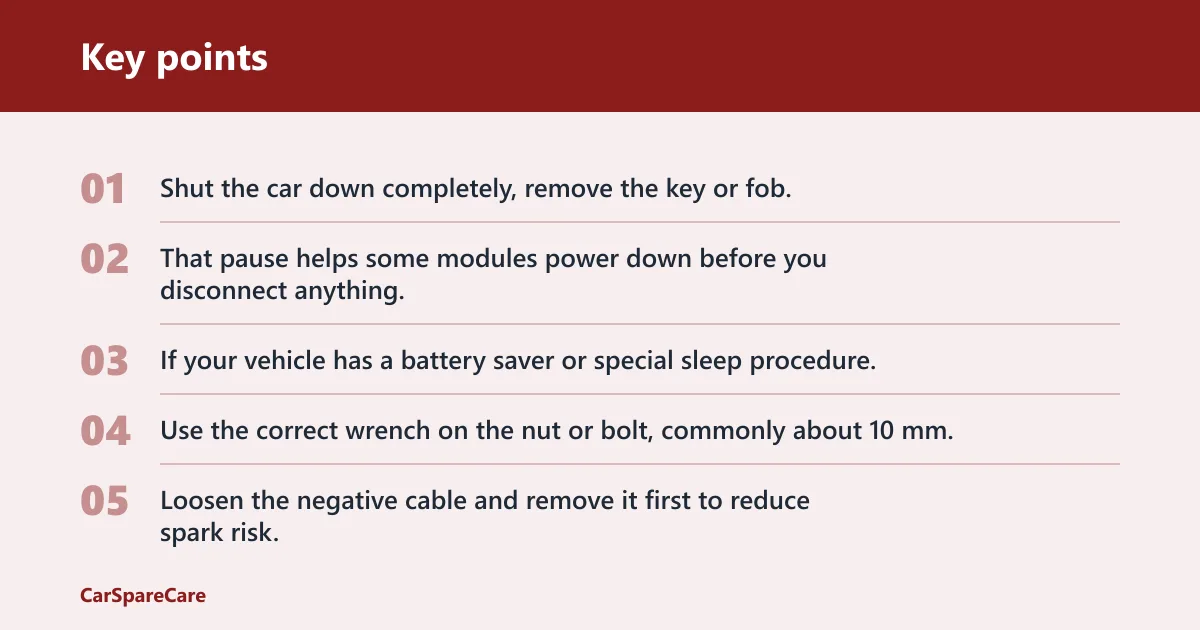
Shut the car down completely, remove the key or fob, and wait about 10 minutes if the manual or service guidance calls for a computer shutdown window. That pause helps some modules power down before you disconnect anything. If your vehicle has a battery saver or special sleep procedure, follow the manual before touching a terminal.
Disconnect the negative terminal first
Use the correct wrench on the nut or bolt, commonly about 10 mm, though some vehicles use 8 mm or other sizes. Loosen the negative cable and remove it first to reduce spark risk. Move the cable away from the post and any bare metal.
Disconnect the positive terminal second
Remove the positive cable after the negative is clear. Keep the wrench away from grounded metal, and do not let the positive cable touch the body, the engine, or the negative post. A common first-timer mistake is to rest the loose cable where it can spring back into contact.
Remove the hold-down bracket and lift out the battery
Loosen the battery hold-down bracket or clamp, then lift the battery straight up. Do not pry against the case with a screwdriver or metal bar. If the battery sits in a tight tray and the clamp bolt is corroded, stop and free the fastener properly rather than forcing the case out.
How do you install a car battery safely?
Set the new battery squarely in the tray, secure the hold-down, then reconnect the positive terminal first and the negative terminal last. That order limits accidental shorts. If the battery can rock in the tray, stop and fix the fit before you drive, because movement can damage terminals and cables.
Set the battery in the tray in the correct orientation
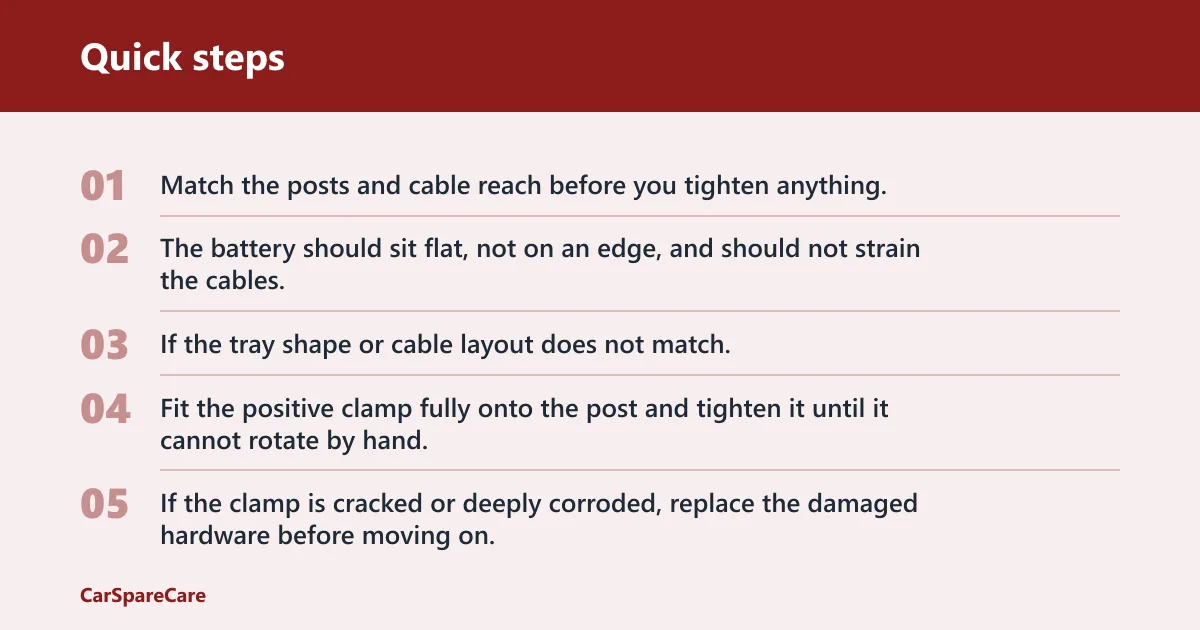
Match the posts and cable reach before you tighten anything. The battery should sit flat, not on an edge, and should not strain the cables. If the tray shape or cable layout does not match, check the owner’s manual before continuing.
Reconnect the positive terminal first
Fit the positive clamp fully onto the post and tighten it until it cannot rotate by hand. The cable should not wobble. If the clamp is cracked or deeply corroded, replace the damaged hardware before moving on.
Reconnect the negative terminal last
Install the negative cable after the positive is secure. This is the final electrical connection and should be tight enough that the clamp cannot twist. Keep your wrench off other metal parts while tightening.
Tighten the hold-down bracket and verify the fit
Reinstall every retainer that came out, then press on the battery case by hand. It should not shift. If the battery can move, the bracket is not doing its job, and vibration can shorten battery life or loosen the terminals.
Do you need a memory saver?
A memory saver can help when the vehicle stores radio presets, seat settings, window limits, throttle learn values, or other module memory that you do not want to lose. It usually connects to the OBDII port during removal. Newer vehicles with heavier electronics often benefit from it, but it is not always required.
When a memory saver helps
Use one if the owner’s manual calls for it, if the car has known learning procedures, or if you want to reduce the chance of voltage spikes and memory loss during the swap. It is most useful on vehicles with many control modules, ADAS functions, or power accessories that need relearn steps after a battery disconnect.
When to skip it and stop for service
Skip the DIY job if the battery is hard to reach, the manual requires a specific relearn sequence you cannot perform, or the vehicle has active warnings tied to steering, transmission, or braking systems. A professional can handle battery registration, relearn steps, and scan-tool checks on systems that do not tolerate guesswork.
Where can the battery be located?
Battery location can be in the engine bay, trunk, under a seat, or another vehicle-specific position. It may be in the engine bay, in the trunk, under a seat, or in another vehicle-specific position. The owner’s manual should be the first reference because location often changes with trim level, driveline layout, or packaging choices.
Under the hood
Many vehicles keep the battery in a corner of the engine bay. Look for a plastic cover, a vent tube, or a fuse box nearby. This is the easiest layout for most DIY jobs, but it still needs the same disconnect order and hold-down check.
In the trunk
Some cars place the battery in the trunk for weight balance or space. wikiHow notes this layout on some vehicles. Check under the carpet or side trim panels, and confirm the manual before removing any trim clips or covers. (Wikihow)
Under a seat or in another vehicle-specific location
Some models mount the battery under a rear seat or in a hidden compartment. That setup may need seat access panels, vent routing, or extra trim removal. If the battery is hidden under carpet or trim and you cannot clearly see the hold-down, that is a strong sign to slow down and verify the procedure first.
When should you stop and call a pro?
Stop work if the battery case is bulging, cracked, or leaking, if the terminals are badly damaged, or if the fasteners will not come loose without force. A shop is also the better choice when the vehicle needs battery registration, transmission relearn, or more than a simple power disconnect.
Bulging, leaking, or cracked battery cases
Any swelling, wet residue, or visible crack is a stop point. Do not lift, pry, or charge that battery. A damaged case can vent acid and should be handled as a hazardous part, not a normal swap.
Heavy corrosion or damaged terminals
White or green buildup is common; heavy crust, burnt cable ends, or a clamp that no longer grips the post is not. If the clamp has eaten into the cable or the post is deformed, replacement may need parts beyond the battery itself.
Stuck fasteners, hidden battery placement, or complex relearn needs
If a bolt rounds off, a tray is rusted, or the battery sits under seats or deep trim, do not keep forcing it. If your trunk-mounted battery has a seized hold-down and the car also needs a steering-angle relearn, hand the job to a shop with the right tools.
Common mistakes
Most errors come from rushing the hardware, skipping the manual, or assuming every vehicle uses the same layout. A battery swap is simple only when the terminals, bracket, and electronics are all ordinary.
- Using the wrong tool or forcing corroded hardware: use the correct wrench size and stop if the nut starts to round off. A slipped tool can damage the terminal or short across metal.
- Letting cables touch metal or each other: keep the loose ends isolated once they are off the posts. The positive cable should never contact body metal.
- Skipping the hold-down bracket: a loose battery can shift during braking or cornering and stress the cables.
- Ignoring warning signs: cracked cases, leaks, and heavy terminal damage mean the job is no longer routine.
Check the battery location, tool size, and terminal order in the owner’s manual before the first wrench turns.
Frequently asked questions
How do I disconnect a car battery safely?
Switch the ignition off, remove the key or fob, then remove the negative terminal first and the positive second. Keep the loose cable ends away from metal and use the correct wrench size for the fasteners. If the battery is swollen, leaking, or heavily corroded, stop before disconnecting anything.
How do I remove and install a car battery?
Disconnect negative first, then positive; remove the hold-down bracket; lift the battery out; set the replacement in the tray; secure the hold-down; reconnect positive first, then negative. Finish by starting the engine and checking for warning lights, loose clamps, or a battery that rocks in the tray.
Which battery terminal should be removed first?
Remove the negative battery terminal first. Mechanic Base says this reduces spark risk, and that order keeps the wrench from shorting the positive side to grounded metal. The negative cable is usually black and marked with a minus sign (-).
Which terminal goes on first when reinstalling a car battery?
Reconnect the positive terminal first, then the negative terminal last. That sequence helps reduce accidental shorting while you work. The positive cable is usually red and marked with a plus sign (+); tighten it before attaching the final ground connection.
What tools do I need to replace a car battery?
Use gloves, safety glasses, and a wrench or socket set. Many terminals use 10-mm nuts or bolts, and some vehicles use 8-mm hardware. Add the owner’s manual and a memory saver if the vehicle needs one during disconnect.
How long does it take to change a car battery?
The Drive says the job should take around 30 minutes on a straightforward vehicle. Hidden battery locations, corroded terminals, and relearn steps can add time. If the hold-down is seized or the battery sits under trim, expect the task to take longer. (Thedrive)
Where can a car battery be located besides under the hood?
A battery can also sit in the trunk, under a seat, or in another vehicle-specific location. wikiHow notes trunk placement on some vehicles. Always check the owner’s manual before removing trim, because the access panels and hold-down hardware vary by model.
Do I need a memory saver when changing a battery?
Use one if your vehicle stores settings you want to keep or if the manual recommends it. A memory saver connects to the OBDII port during removal. It is more useful on newer cars with more electronics, but it does not replace the proper disconnect and reinstall order.

Hi, I’m Melvin, an automobile engineer with extensive experience in automobile equipment. I currently work for a local automobile firm, where I specialize in the car parts industry. I’ve had the opportunity to collaborate with seasoned inspectors, gaining invaluable hands-on experience that goes beyond just theory.
My passion for automotive care started at a young age, which led me to create CarSpareCare. Through CarSpareCare, I share the knowledge and skills I’ve acquired over the years to help others navigate the world of car maintenance and repairs.
My goal is to provide practical tutorials, essential safety advice, and the latest industry insights so that anyone—whether a beginner or an expert—can confidently tackle their automotive projects.