Fix sticky car interior buttons by separating residue, soft-touch coating breakdown, and switch failure. Clean residue first, but replace the part if the coating is gummy or the button still sticks after cleaning. Ignoring the cause can damage contacts, trap a button in one position, or turn a simple cleaning job into a much more expensive repair. This guide helps you diagnose the fault, clean the right way, and decide when replacement is the only sensible fix.
What you’ll need
- Soft microfiber cloths
- Cotton swabs
- A soft detailing brush
- A plastic-safe interior cleaner
- Distilled water
- Optional trim-safe protectant
- Inspection light or phone flashlight
- Plastic pry tools for trim removal, if needed
Why are your car buttons sticky?
Sticky buttons are often grouped into three causes: surface contamination, soft-touch coating failure, or an internal switch problem. Start with the symptom, not the cleaner. A button that feels tacky on the outside is a different problem from one that physically hangs up, and a worn symbol can be a separate issue again. The right diagnosis matters because solvents that are safe for grime can still damage failing coatings or backlit lenses if the wrong product is used.
Surface contamination
Skin oils, dust, drink residue, and road grime can build up on high-touch controls such as window switches, lock buttons, and key fob buttons. This is the easiest case to fix because the surface is dirty, not damaged. On common driver-touch points like a Honda window switch, a Toyota climate button, or a Ford key fob shell, the first pass should be dry cleaning before any liquid touches the control.
Soft-touch coating failure
Soft-touch coating on interior buttons and trim can become tacky or sticky as it breaks down. Heat, UV exposure, and repeated touching can make that worse. If the surface smears or feels rubbery after a light wipe, cleaning alone may not solve it. Once a coating begins to soften, aggressive scrubbing often turns a small finish problem into a larger cosmetic failure, especially on center-stack buttons and steering-wheel controls.
Worn symbols and internal faults
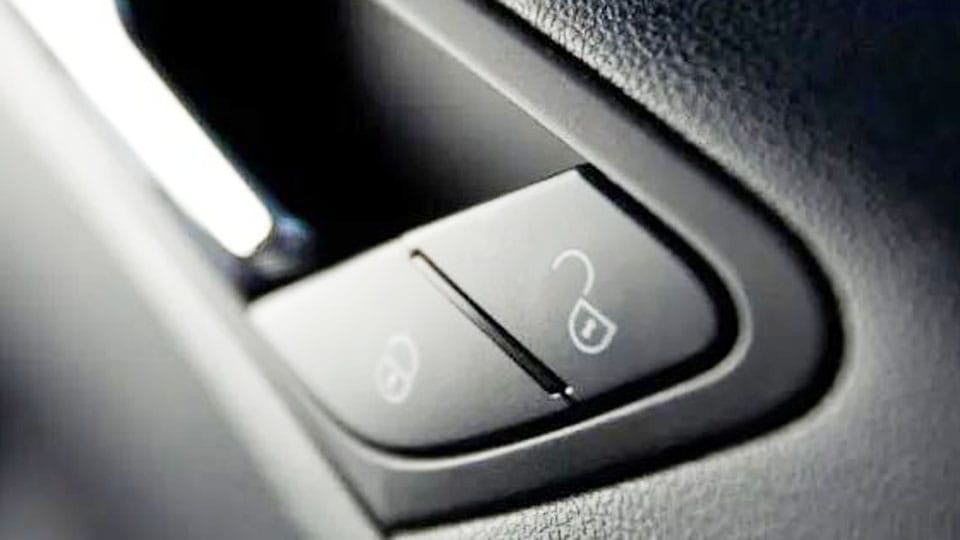
Alphanumeric or pictogram button symbols such as lock, unlock, trunk, and panic icons may fade or wear away on high-touch controls. If the button feels sticky only when pressed, the issue may be inside the switch, not on the face of the button. That distinction matters on backlit HVAC keys, infotainment shortcut buttons, and ignition switches because the outer face can look clean while the switch mechanism still binds.
Sticky button diagnosis matrix
Use this matrix before you choose a cleaner or a repair. It separates residue, coating failure, and internal switch contamination so you do not damage backlit controls or thin plastic finishes with the wrong fix.
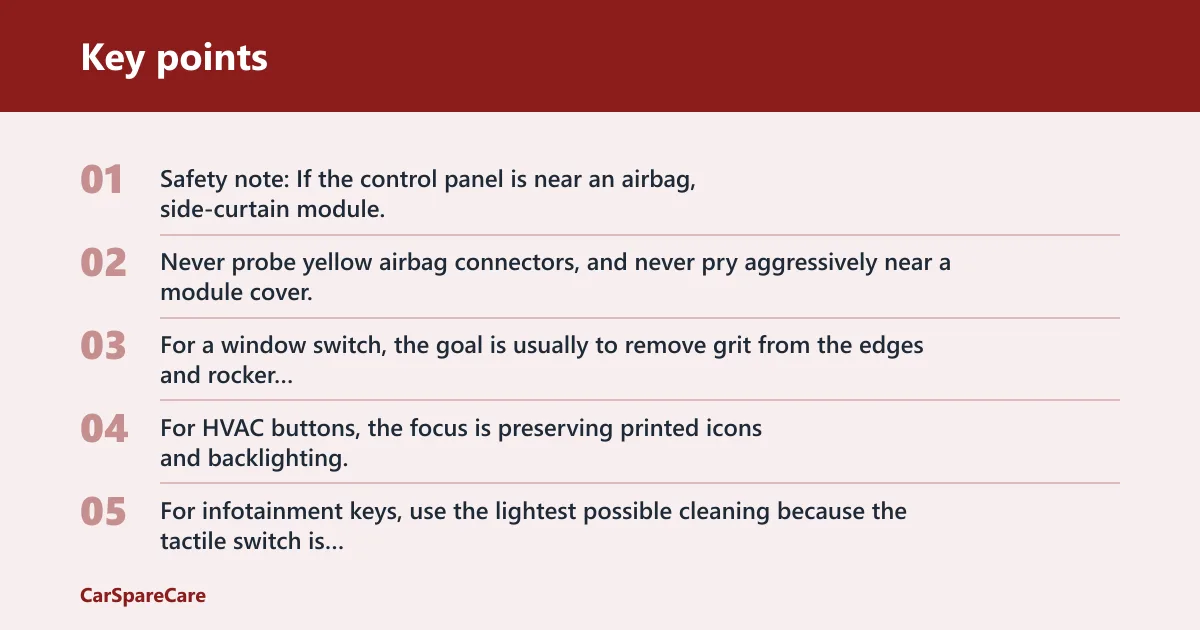
Safety note: If the control panel is near an airbag, side-curtain module, or steering-wheel electronics, do not remove trim until you follow the vehicle service procedure and disconnect power as specified by the manufacturer. Never probe yellow airbag connectors, and never pry aggressively near a module cover.
| Symptom | Likely cause | Safe first test | No-go cleaner | DIY limit | Best repair path |
|---|---|---|---|---|---|
| Window switch feels dusty and slow | Surface contamination | Dry brush and microfiber wipe | Ammonia glass cleaner | Surface cleaning only | Clean, then inspect switch movement |
| Door lock button feels tacky | Soft-touch coating breakdown | Light wipe with plastic-safe cleaner | Acetone or strong degreaser | Stop if coating lifts | Refinish or replace |
| Trunk or panic icon is sticky and faded | Worn symbol plus residue | Dry clean first, then spot-clean | Abrasive pad | Do not scrub through the symbol | Laser symbol regeneration or replacement |
| Infotainment key sticks only when pressed | Internal switch contamination | Check travel and release speed | Flooding cleaner into the gap | No liquid into the switch body | Panel removal and switch service |
| Key fob button feels gummy | Dirty membrane or degraded rubber | Open the shell and inspect pads | Harsh solvent | Replace membrane if swollen | Clean contacts or replace shell |
| Ignition switch feels sticky or binds | Mechanical wear or contamination | Test with engine off and key removed | Spray cleaner into the cylinder blindly | Stop if the key drags | Proper lock-cylinder service |
| Hazard or climate button looks dull and tacky | Coating failure on coated plastic | Gentle wipe on a hidden edge | Alcohol-heavy cleaner | Do not keep wiping if finish softens | Refinish or replace panel |
| Backlit button looks cloudy after cleaning | Lens or symbol surface damage | Check light transmission in a dark garage | Polish, sand, or bleach | Stop before haze spreads | Professional restoration or replacement |
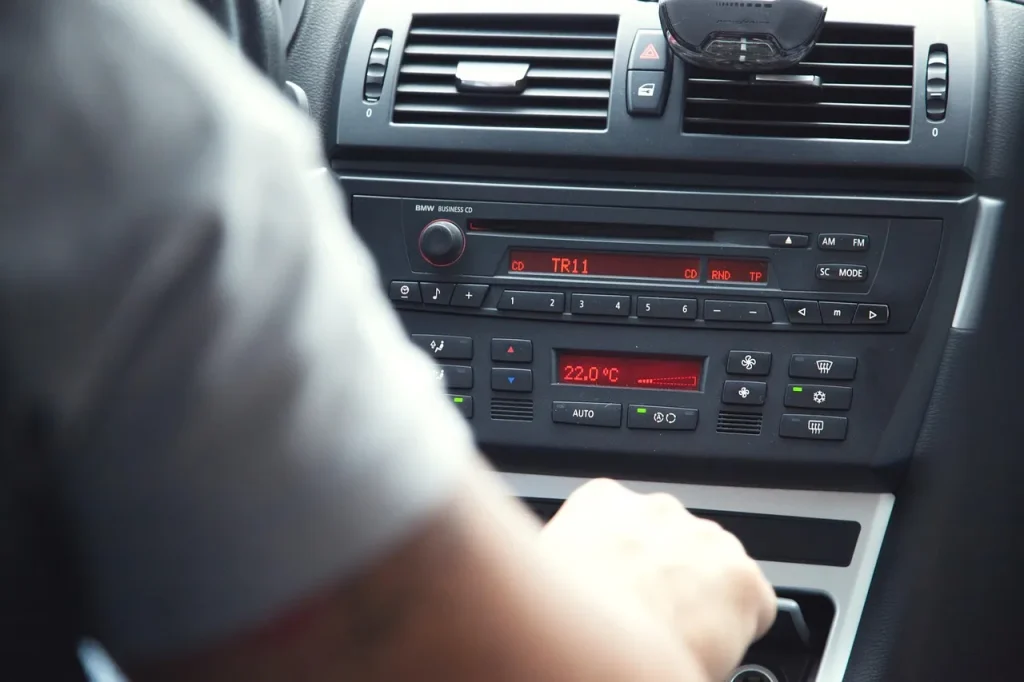
For a window switch, the goal is usually to remove grit from the edges and rocker without forcing liquid into the opening. For HVAC buttons, the focus is preserving printed icons and backlighting. For infotainment keys, use the lightest possible cleaning because the tactile switch is often small and the trim around it is easy to stain. Key fobs and ignition switches need extra caution because the fault may be in the shell, membrane, or cylinder rather than on the face of the control.
What cleaner is safe for sticky car buttons?
Use the mildest cleaner that can remove the residue without softening the finish. A plastic-safe interior cleaner is the safest starting point for coated plastics and painted button faces. Distilled water is often safer than tap water for a final wipe because it tends to leave less residue on small, backlit controls. If the panel has nearby satin trim, a second pass with the same mild cleaner is usually better than switching to a stronger solvent.
Cleaning solvents and detergents to avoid
Skip acetone, lacquer thinner, strong degreasers, abrasive creams, and household detergents that are not approved for automotive plastics. Those products can damage automotive plastic finishes, strip soft-touch coating, and haze backlighting lenses. They can also make printed symbols look patchy faster. Manufacturers and plastics references warn that aggressive solvents can attack coated surfaces, printed legends, and clear lenses long before the residue is gone.
How to test a cleaner first
Pick a hidden edge, such as the underside of a bezel or the side of a switch panel. Apply one drop to a cloth, not the control, and check the result after a short pause. If the finish softens, clouds, or transfers color, stop. A failed test on a coated door panel, steering-wheel button, or center-console bezel means the finish is chemically sensitive, so the safer move is to avoid wet cleaning and move toward restoration or replacement.
How do you clean sticky car buttons safely?
Start with inspection, then move from dry cleaning to the lightest wet cleaning you can justify. If the stickiness is only surface residue, this is usually enough. If the surface smears, lifts, or stays tacky, the button is telling you the coating is failing. The best result comes from using minimal liquid, short contact time, and a stop point the moment the finish starts to change.
- Inspect the button and identify the surface finish. Look for soft-touch coating, glossy plastic, painted lettering, or a backlit lens before you apply anything.
- Dry-clean loose grime first. Use a soft brush, then a microfiber cloth, so you do not grind grit into the symbol or lens.
- Apply the mildest safe cleaner sparingly. Put the cleaner on the cloth, not into the switch gap, and use only enough to dampen the surface.
- Wipe, dry, and retest button movement. Press the button several times after drying so you can feel whether the resistance is gone.
- Stop if the coating lifts, smears, or the symbol fades. That means the finish is failing or the print is too fragile for continued cleaning.
Say your window switch on the driver door feels sticky only after winter salt and hand grime build up on the bezel. A dry brush followed by a plastic-safe cleaner often clears the residue. If the same switch still feels gummy after the wipe, that points to coating failure, not dirt. That same pattern shows up on many soft-touch door switch panels: a cleaner may remove the grime, but the tacky film remains because the coating itself is breaking down.
When should you repair or replace?
Repair makes sense when the surface is worn but the control still works, the symbol is still readable enough to restore, and the button body is not swollen or cracked. Replace when the switch binds, the membrane is damaged, or the cost of restoring a single part is close to a full replacement. As a rule, do not spend more on a cosmetic button repair than the value of a reliable new switch assembly or shell.
When laser symbol regeneration makes sense
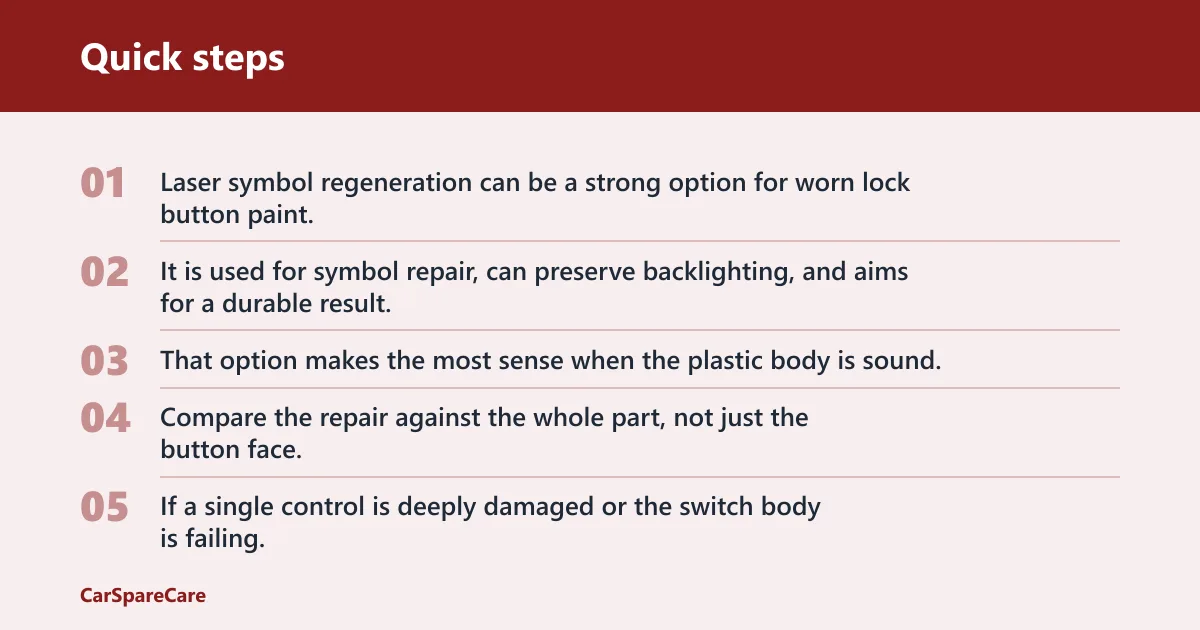
Laser symbol regeneration can be a strong option for worn lock button paint. It is used for symbol repair, can preserve backlighting, and aims for a durable result. That option makes the most sense when the plastic body is sound, the icon is the only problem, and the shop can match the original legend and illumination path accurately.
When replacement is cheaper
Compare the repair against the whole part, not just the button face. If a single control is deeply damaged or the switch body is failing, replacement may be the lower-risk choice. Once a membrane is swollen, a rocker is loose, or the tactile mechanism no longer returns cleanly, replacement is usually more economical than repeated cleaning or cosmetic patching.
Why backlit controls need extra caution
Backlit buttons need light transmission through the symbol, so any repair must be checked after restoration. If the symbol blocks light, the button may look fine in daylight but disappear at night. That is why touch-up paint and stickers are poor final fixes; they sit on top of the surface and usually fail faster under normal use. After any repair on HVAC, infotainment, or hazard controls, test the button in a dark cabin to confirm the legend still glows evenly.
Common mistakes
These are the errors that turn a simple sticky button into a damaged control. Avoid them from the start.
- Using paint, stickers, or permanent markers as a final fix instead of proper restoration
- Scrubbing hard enough to remove symbols or scratch a backlit lens
- Using the wrong cleaner on painted or coated plastics
- Ignoring internal switch failure after the outside looks clean
- Flooding cleaner into a key fob, ignition, or button gap
How to stop car buttons from getting sticky again
Keep controls clean, dry, and lightly protected. Wipe high-touch controls such as door lock buttons, center console switches, key fob buttons, trunk controls, and parking-related buttons with a damp microfiber cloth before grime hardens. Avoid heavy protectants on symbols and backlit areas, and keep the cabin out of prolonged heat and UV when possible. On coated controls, less product is usually better: a light maintenance wipe is safer than a glossy dressing that can migrate into button edges or make the surface tacky again.
A common first-timer mistake is to clean a sticky hazard button, then apply a thick dressing that makes the surface tacky again in a week. Use the thinnest possible protectant layer, and only on trim that is not part of the symbol face or backlight path. If the part is already soft or gummy, skip protectant entirely until the finish has been stabilized or replaced.
Frequently asked questions
When should a sticky button be repaired or replaced?
Repair it when the surface is worn but the control still functions and the symbol can still be restored. Replace it when the button binds, the membrane is damaged, or the finish has broken down so far that cleaning only makes it worse. Backlit controls deserve extra caution. If the part is part of a larger panel and the cost of a proper restoration approaches a replacement assembly, replacing the unit is often the safer long-term choice.
Why are my car interior buttons sticky?
Most sticky controls are caused by residue, soft-touch coating failure, or switch contamination. Heat, UV exposure, repeated touching, and finger oils all contribute. A faded lock icon or a gummy button face often means the problem is more than simple dirt. Window switches, climate buttons, infotainment keys, key fobs, and ignition switches each fail a little differently, but the diagnosis starts the same way: look at the finish, check the movement, and avoid harsh solvents until you know what material you are touching.
Sources
- Vehicle manufacturer interior care guidance on coated plastics, switch panels, and symbol preservation
- Automotive plastics and coatings references on solvent compatibility, soft-touch failure, and surface haze
- OEM guidance for backlit switch illumination, button legends, and dashboard control cleaning
- Materials references on soft-touch polyurethane degradation, UV aging, and residue transfer
- Service references for switch contamination, tactile switch behavior, and panel-level replacement decisions
- Manufacturer airbag and steering-wheel electronics service cautions before panel removal
- Replacement pricing examples for key fobs and button panels from automotive parts catalogs
- Restoration pricing examples for symbol regeneration and coated trim refurbishment
- Ignition lock-cylinder service guidance from vehicle repair manuals

Hi, I’m Melvin, an automobile engineer with extensive experience in automobile equipment. I currently work for a local automobile firm, where I specialize in the car parts industry. I’ve had the opportunity to collaborate with seasoned inspectors, gaining invaluable hands-on experience that goes beyond just theory.
My passion for automotive care started at a young age, which led me to create CarSpareCare. Through CarSpareCare, I share the knowledge and skills I’ve acquired over the years to help others navigate the world of car maintenance and repairs.
My goal is to provide practical tutorials, essential safety advice, and the latest industry insights so that anyone—whether a beginner or an expert—can confidently tackle their automotive projects.