Clean car battery terminals only after disconnecting the negative cable first, then the positive. Use a baking soda and warm water mix with a brush, and clean only light to moderate corrosion, if that is appropriate. Replace the battery or cables if corrosion returns quickly, the case is cracked, or leakage is present. Bad cleaning can short the battery, damage electronics, or leave the car stranded. This guide shows safe cleaning steps, when to stop, and how to find the cause of recurring corrosion. (Wikihow)
This guide is part of our Car battery maintenance guide series.
What battery corrosion means
Battery corrosion is often described as a white, blue, green, or chalky buildup that can form around the positive and negative posts, the clamp contact points, or both. It often starts as a powder or crust, then grows into a hard layer that blocks current and makes starting harder. On combustion-engine cars, the problem is usually at the lead posts and cable ends, not inside the battery.
What the buildup looks like
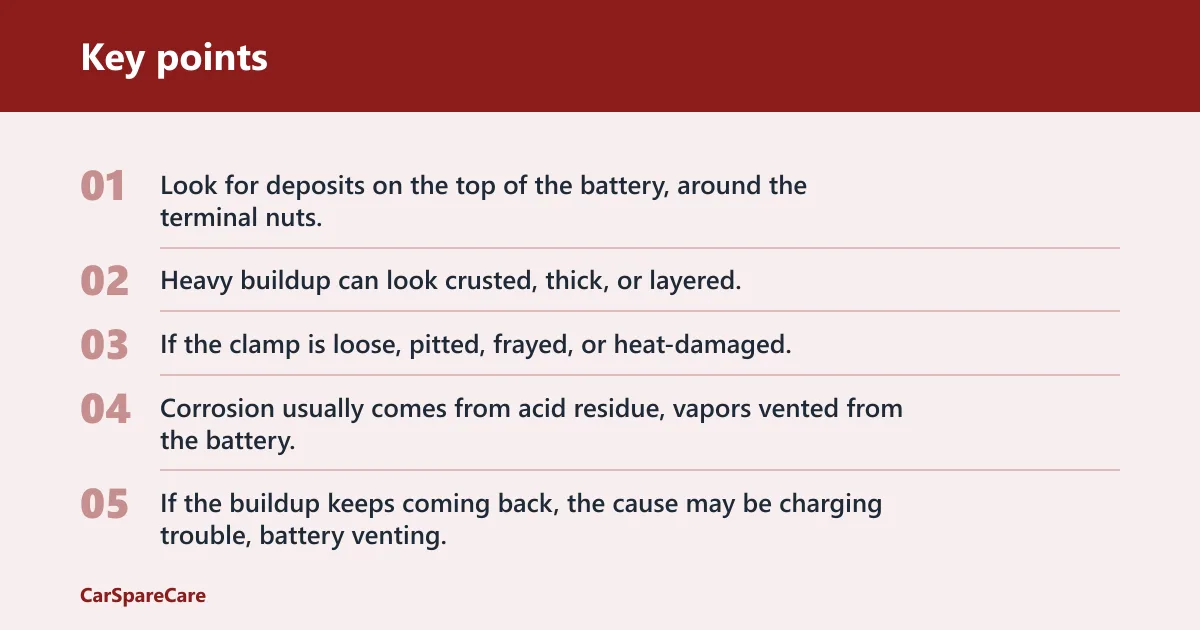
Look for deposits on the top of the battery, around the terminal nuts, and inside the cable clamps. Light buildup looks dusty. Heavy buildup can look crusted, thick, or layered. If the clamp is loose, pitted, frayed, or heat-damaged, cleaning alone may not restore a reliable connection.
Why terminals corrode
Corrosion usually comes from acid residue, vapors vented from the battery, or moisture mixed with road grime. Baking soda helps neutralize acid residue. If the buildup keeps coming back, the cause may be charging trouble, battery venting, or a cable that is no longer sealing tightly on the post.
When corrosion is a warning sign
Cleaning is reasonable only when the battery case is intact and the corrosion is limited to the terminals and clamps. Stop and replace the battery if it is cracked, swollen, or leaking. Those are not cleaning jobs. For EVs and hybrid high-voltage systems, follow the vehicle manual and do not treat the battery like a normal 12-volt setup.
What you’ll need
- Protective gloves
- Safety glasses
- Baking soda
- Warm water
- Plain water for rinsing
- Wrench or a 10mm socket for most U.S. vehicles
- Wire brush or old toothbrush
- Towels or clean rags
- Petroleum jelly or Vaseline
- Optional battery terminal cleaner tool
A wrench or adjustable wrench is the safer choice for loosening terminal nuts. A 10mm socket fits many U.S. vehicles, but confirm your battery hardware before starting. Use the optional battery terminal cleaner tool if you want a brush that fits the post and clamp better than a toothbrush.
How do you clean car battery terminals safely?
Turn the car off, let the engine cool, put on gloves and safety glasses, and disconnect the negative cable first, then the positive. Clean only when the battery case looks sound and the corrosion is light to moderate. Reconnect positive first, then negative, after everything is dry and snug.
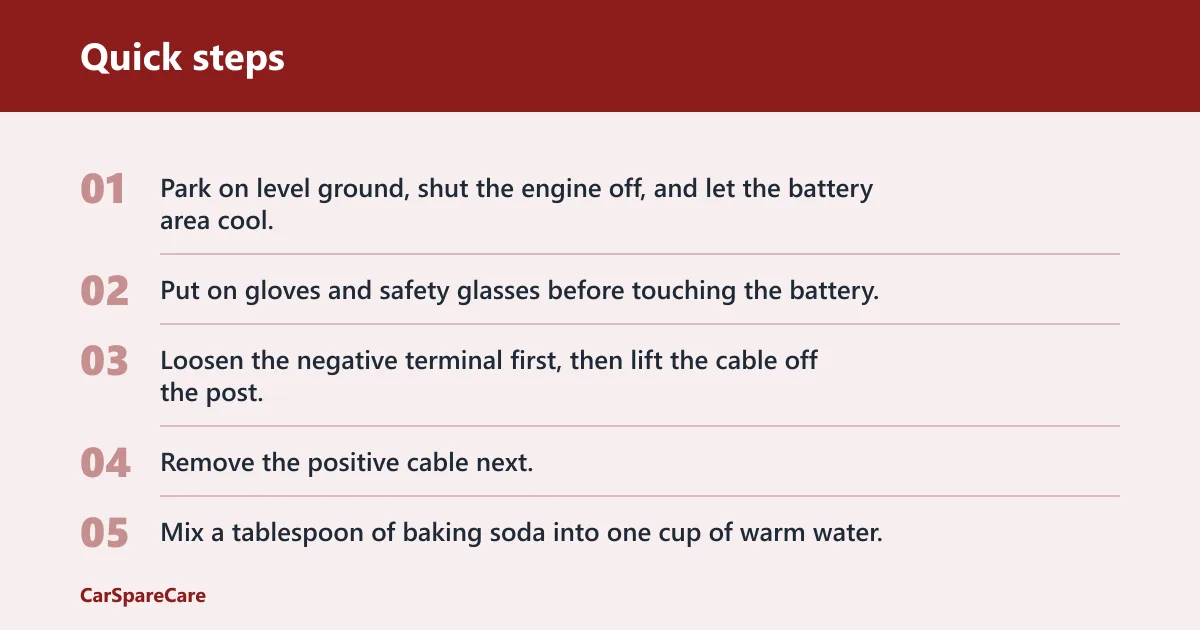
- Park on level ground, shut the engine off, and let the battery area cool.
- Put on gloves and safety glasses before touching the battery.
- Loosen the negative terminal first, then lift the cable off the post.
- Remove the positive cable next.
- Mix a tablespoon of baking soda into one cup of warm water.
- Apply the mixture to the corroded posts and inside the cable clamps.
- Scrub the posts, clamp interiors, and contact surfaces with a toothbrush or wire brush.
- Rinse with plain water and wipe the area dry with towels.
- Inspect the posts and clamps for pitting, looseness, fraying, or heat damage.
- Reinstall the positive cable first, then the negative cable.
- Apply a thin coat of petroleum jelly to the cleaned metal to help slow future corrosion.
Most U.S. vehicles use a 10mm socket for battery work, but confirm your own hardware before forcing anything. Say your terminal is only lightly dusty and the clamp still fits tightly; a short scrub, rinse, and dry may be enough. Suppose the clamp lifts by hand after cleaning; that is a sign to inspect the cable end, not just the post.
What should you use to clean car battery terminals?
The best at-home cleaner is baking soda mixed with warm water. It is the most practical choice because it can neutralize acid residue and is easy to rinse off. Plain water is useful for the final rinse and for wiping away loose residue when the buildup is already minimal.
Use vinegar or cola with caution, and do not make them the first choice. They may help loosen some deposits, but they do not beat a baking-soda wash for a battery terminal job where acid residue is the concern. Keep the cleaner simple, then rinse and dry fully.
A battery terminal cleaner tool is optional. It can fit posts and clamps better than a toothbrush, especially when the buildup is ringed around the post or packed inside the clamp. If you already have a good wire brush or old toothbrush, that is enough for light to moderate corrosion.
Battery terminal condition guide
| Corrosion condition | Safe action | Red flags | Replace vs clean |
|---|---|---|---|
| Light buildup | Disconnect the cables, clean with baking soda and warm water, scrub the posts and clamp interiors, rinse, dry, and reinstall. | No cracks, no heat damage, clamp still grips firmly after cleaning. | Clean if the fit remains tight. |
| Heavy crust | Remove both cables, neutralize the residue, scrub the posts and clamps, and inspect all contact surfaces before reassembly. | Pitting on the post, swollen crust under the clamp, loose fit after cleaning. | Clean first; replace if the clamp or post is damaged. |
| Stuck clamps | Use the correct wrench or socket to loosen the nut, then work the clamp gently off the post. | Forced twisting, cracked clamp ear, frayed cable strands, or metal that looks heat-discolored. | Replace if the clamp or cable end is damaged. |
| Cracked or swollen battery | Stop and do not wash it as a normal cleaning job. | Leaking liquid, bulging case, wet acid smell, or visible split in the housing. | Replace the battery. |
| Recurring corrosion after cleaning | Check charging behavior, venting, clamp fit, and cable condition after the next drive cycle. | Corrosion returns quickly, starting gets weaker, or the battery top stays wet. | Replace the weak part or have the charging system checked. |
How do you stop corrosion from coming back?
Clean metal surfaces alone will not stop a recurring problem. Apply a thin layer of petroleum jelly after reassembly, make sure the clamp fits tightly, and inspect the cable jacket and terminal end for wear. If corrosion comes back fast, look for a battery that is venting or a charging system that is pushing the battery too hard.
If that didn’t work, try this next
- Check whether the clamp can rotate on the post after tightening.
- Inspect the cable end for green or white material inside the strands.
- Look for heat damage, melted insulation, or a hard, brittle cable near the terminal.
- Replace the cable end or cable if the metal is pitted, loose, or frayed.
- Have the battery and charging system checked if corrosion returns after the repair.
Common first-timer mistake: cleaning only the top of the post and leaving the inside of the clamp dirty. That hidden residue can keep the connection weak even when the outside looks clean. Another common mistake is reusing a clamp that no longer grips, which lets vibration bring the corrosion back faster.
Common mistakes
Do not clean the terminals while the battery is still connected if a tool could bridge metal and short the battery. Do not use pliers on the clamp; they can slip and create a short. Do not skip the inside of the cable end, because that is part of the connection, not an extra step.
Do not ignore a cracked, swollen, or leaking battery. Do not reinstall damp parts. Do not assume recurring corrosion is only a cosmetic issue; it can point to overcharging, venting, or a cable that is failing under load. If the car still starts poorly after cleaning, the battery corrosion may have been only part of the problem.
Frequently asked questions
What is the best way to clean car battery terminals?
The most practical method is a baking soda and warm water mix, a toothbrush or wire brush, and a full rinse and dry afterward. Clean both posts and the inside of the cable clamps. If the clamp, cable, or post is damaged, replacement is the better fix.
Can I clean car battery terminals with baking soda and water?
Yes. A tablespoon of baking soda to one cup of warm water is a practical mix for neutralizing acid residue on combustion-engine vehicle terminals. Apply it after disconnecting the cables, scrub the contact surfaces, rinse with plain water, and dry everything before reconnecting.
Can I clean car battery terminals with vinegar or Coke?
They are not the first choice. Baking soda and water are better for neutralizing acid residue, while vinegar or cola are more of a loosening aid than a proper battery-terminal cleaner. If you use either, rinse and dry thoroughly, and do not use them on a cracked or leaking battery.
How do I stop battery terminal corrosion from coming back?
Apply a thin layer of petroleum jelly after cleaning, tighten the clamp so it grips firmly, and inspect the cable for fraying, pitting, or heat damage. If corrosion returns quickly, the battery may be venting or the charging system may need attention.
What should I do if the battery is cracked or leaking?
Do not clean it as a normal maintenance task. Remove yourself from the area, avoid skin contact with the liquid, and replace the battery. A cracked, swollen, or leaking case is a stop sign, not a cleaning issue.

Hi, I’m Melvin, an automobile engineer with extensive experience in automobile equipment. I currently work for a local automobile firm, where I specialize in the car parts industry. I’ve had the opportunity to collaborate with seasoned inspectors, gaining invaluable hands-on experience that goes beyond just theory.
My passion for automotive care started at a young age, which led me to create CarSpareCare. Through CarSpareCare, I share the knowledge and skills I’ve acquired over the years to help others navigate the world of car maintenance and repairs.
My goal is to provide practical tutorials, essential safety advice, and the latest industry insights so that anyone—whether a beginner or an expert—can confidently tackle their automotive projects.